Keeping your login credentials save is more important than ever, so we’ve gathered a short list of the best password managers! Each time we login to a website, we entrust a piece of our identity to the digital realm, making the strength and security of our passwords pivotal.
Yet, the challenge remains: how do we create and manage strong, unique passwords for every account without compromising convenience or safety?
Enter the world of password managers—a safeguarding sanctuary in an increasingly complex cyber landscape.
In this era of heightened cyber threats, the best password managers stand as the gatekeepers to our digital lives, offering not just a secure vault but a seamless solution to the perils of password fatigue and vulnerability.
The Most Trusted Password Managers of 2024
1. LastPass
The leading password manager for well over a decade, LastPass is trusted, secure, and easy to use. Now offerin Business and Personal pricing plans.
2. Dashlane
An affordable password manager for both business and personal usage. Dashlane has a strong reputation for being secure, especially with their zero-knowledge patended encryption. Basically, even they couldn’t see your passwords if they wanted to.
3. 1Password
A reputable password manager you can trust, 1Password offers a free trial, but no free version. The pricing starts as low as $2.99/mo.
4. Bitwarden
Bitwarden is one of the best overall password managers, and it’s definitely one of the best free options you can trust.
5. NordPass
NordPass is arguably the best overall choice for a password manager – and you can get started for free. If you want to protect your whole family, then just opt for the family plan so everyone’s passwords can stay secure.
FAQ
Which are some of the most trusted password managers available?
Among the top-rated password managers are:
- LastPass: Known for its user-friendly interface and robust security features.
- Dashlane: Praised for its comprehensive security dashboard and password changer tool.
- 1Password: Renowned for its cross-platform compatibility and intuitive design.
- Bitwarden: Notable for its open-source nature and free-tier availability.
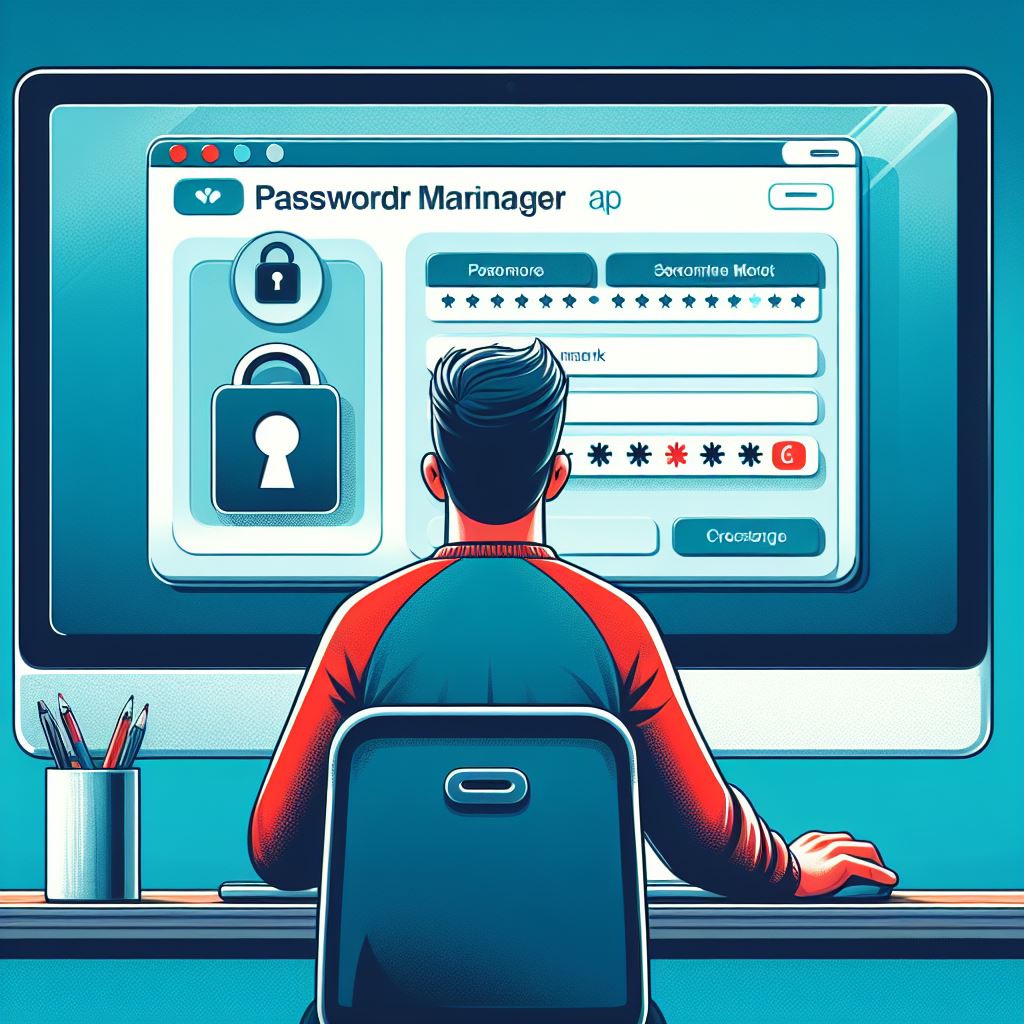
A password manager is a secure software application designed to store, generate, and manage passwords for various online accounts. It typically encrypts and stores passwords in a secure vault accessible by a master password or biometric authentication. When a user accesses a site or app, the manager autofills login details, enhancing convenience and security.
Yes, reputable password managers employ strong encryption methods (AES-256 or equivalent) to safeguard stored data. They use zero-knowledge architecture, meaning only users possess access to their data, ensuring that even the provider cannot access passwords or decipher stored information.
Using a password manager is generally safer than reusing weak passwords or storing them insecurely. These managers offer encrypted vaults, reducing the risk associated with multiple passwords. However, maintaining a strong master password and enabling two-factor authentication further enhances security.
Yes, password managers can generate complex, unique passwords composed of random characters. They adhere to the highest security standards, creating passwords that are nearly impossible to guess or crack through brute force attacks.
Most password managers sync encrypted data across devices via cloud storage or local syncing. They offer browser extensions, mobile apps, and desktop applications, ensuring seamless access to passwords on various platforms while maintaining robust security measures.
The majority of popular password managers offer extensions or applications compatible with major browsers like Chrome, Firefox, Safari, and Edge. They also support various operating systems, including Windows, macOS, Linux, iOS, and Android, enabling cross-platform functionality.
Reputable password managers follow stringent security protocols, including encryption, zero-knowledge architecture, and regular security audits. However, it’s crucial to choose a well-established and trusted password manager and to practice good password hygiene by regularly updating the master password and enabling additional security features.
Remember, a secure and trusted password manager is just one aspect of your digital security. Make sure you’re using a secure WiFi connection, and do you even have a firewall?