
In an era where home security is paramount, wireless surveillance systems stand as an innovative solution to fortify the safety of your abode. These systems encompass a network of cameras, sensors, and smart technology designed to monitor your home remotely, providing an extra layer of protection against potential threats.
A wireless surveillance system comprises cameras, sensors, and a central hub, communicating wirelessly to offer seamless monitoring without the need for extensive wiring.
The evolution of technology has rendered these systems more accessible, efficient, and user-friendly compared to traditional wired setups.
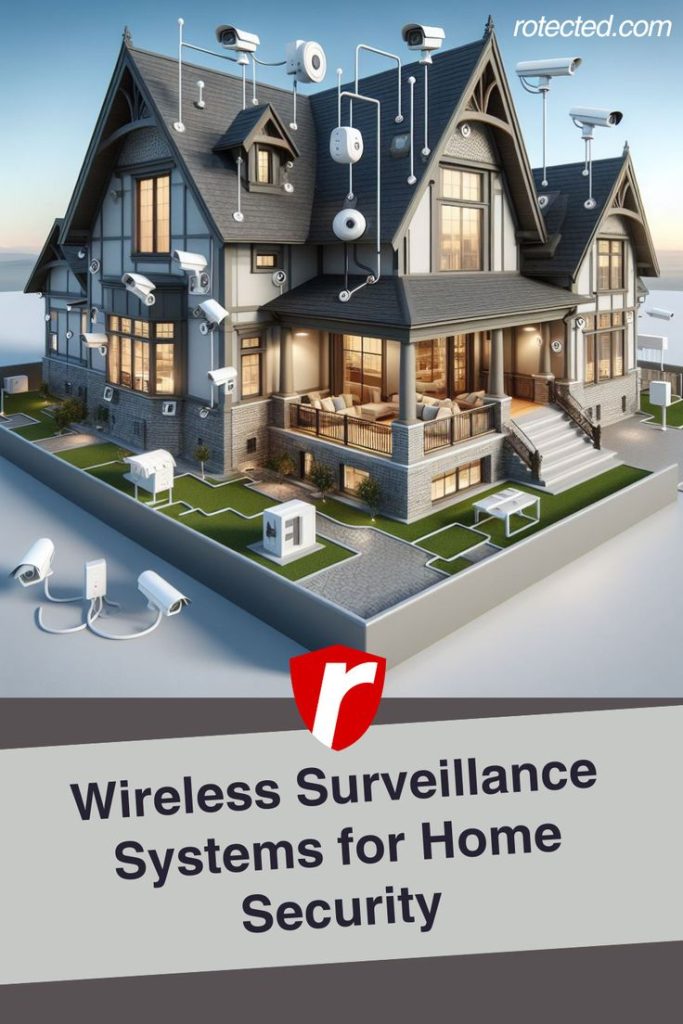
One of the key advantages of wireless setups lies in their flexibility and ease of installation. Without the constraints of wiring, homeowners can strategically place cameras indoors and outdoors, optimizing coverage areas without drilling holes or dealing with intricate cabling. Additionally, these systems often boast higher scalability, enabling effortless expansion when needed.
In today’s context, ensuring the safety of our homes has become a priority. Wireless surveillance systems provide an active means of monitoring, deterring potential intruders, and offering peace of mind, especially when away from home.
As we delve deeper into the components, setup process, and benefits of wireless surveillance systems, it becomes evident how these systems revolutionize home security, offering simplicity, efficiency, and enhanced protection.
Stay tuned as we explore the various elements that constitute a wireless surveillance system and how they contribute to bolstering the security of your home.
Components of a Wireless Surveillance System
To comprehend the functionality and efficacy of a wireless surveillance system, understanding its fundamental components is crucial. These elements work in tandem to create a comprehensive security network for your home.
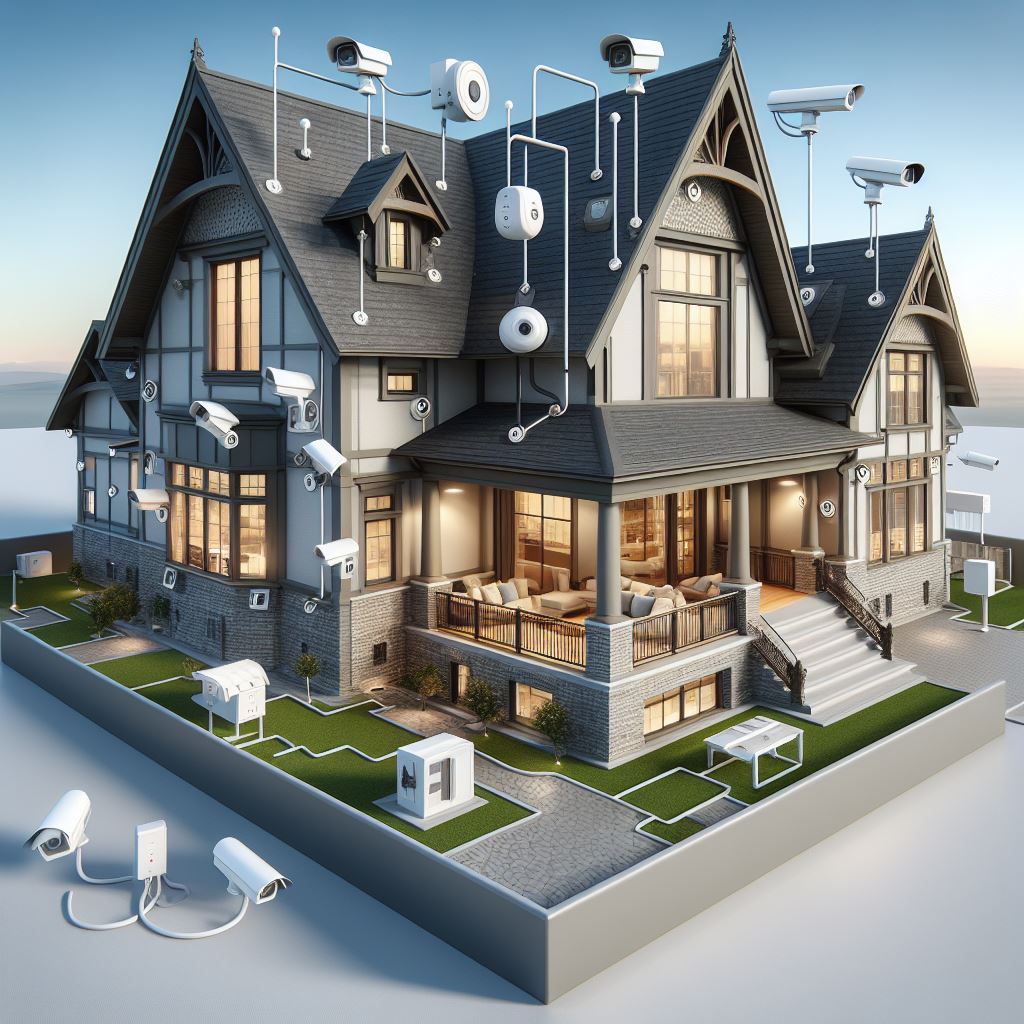
Cameras
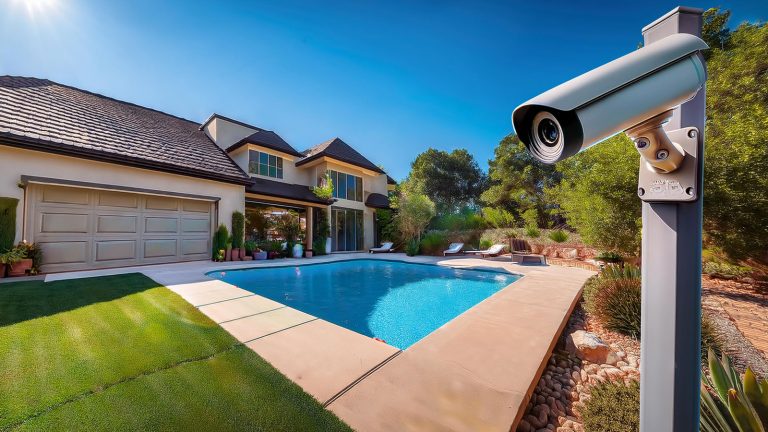
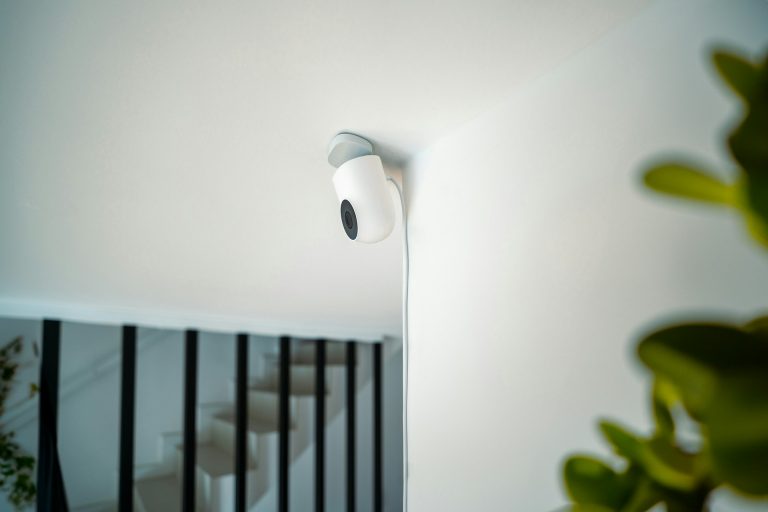
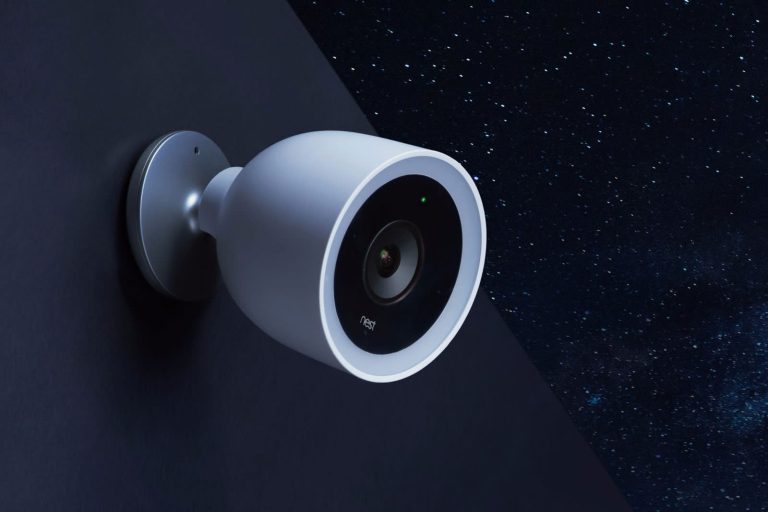
Central to any surveillance system, cameras come in various types catering to specific needs. Indoor cameras monitor activity within your home, while outdoor cameras withstand weather conditions and offer perimeter security.
Recommended Cameras: GALAYOU Cameras for Home Security
Hub/Base Station
The hub or base station serves as the nerve center of the system. It wirelessly connects and manages the cameras and sensors, facilitating communication and data transmission. This central unit often includes storage for recorded footage and acts as the interface for controlling and accessing the system.
Recommended Hub: SANNCE 8-Channel 1080P Lite Wired Home Surveillance Security Camera System DVR Recorder with 1TB Hard Disk Drive
Motion Sensors
Motion sensors add an extra layer of security by detecting movement within designated areas. These sensors trigger cameras to start recording, alert homeowners, or activate alarms when motion is detected, enhancing the system’s ability to monitor and respond to potential threats.
Mobile App/Software
The convenience of remote access and control is made possible through dedicated mobile apps or software. Homeowners can monitor live feeds, review recorded footage, adjust settings, and receive alerts directly on their smartphones or tablets, providing real-time oversight from anywhere.
Understanding these key components forms the foundation of a wireless surveillance system. The synergy between cameras, the central hub, motion sensors, and user-friendly interfaces empowers homeowners with comprehensive monitoring capabilities, bolstering home security effortlessly.
Setting Up Your Wireless Surveillance System
Setting up a wireless surveillance system involves a few crucial steps to ensure optimal functionality and coverage for your home security needs.
1. Choosing the Right Location for Cameras:
- Identify critical areas: Determine the areas you want to monitor, both indoors and outdoors, considering entry points, blind spots, and high-traffic zones.
- Positioning: Install outdoor cameras at strategic points covering entryways, driveways, and other vulnerable spots. Indoors, place cameras in areas with high visibility, such as the living room or hallway, ensuring maximum coverage.
2. Connecting Cameras to the Base Station:
- Power source: Ensure cameras are within reach of power outlets or have access to reliable power sources, as most wireless cameras require electricity.
- Syncing with the base station: Follow manufacturer instructions to pair each camera with the central hub or base station. This typically involves simple steps outlined in the system’s manual.
3. Configuring Motion Detection and Alert Settings:
- Fine-tune motion settings: Adjust motion sensitivity to minimize false alarms while capturing important movements. This prevents unnecessary alerts triggered by pets or natural movements.
- Set up alerts: Configure the system to send alerts to your mobile device when motion is detected, ensuring prompt notifications of any unusual activity.
4. Installing and Syncing the Mobile App for Remote Access:
- Download the app: Search for and download the corresponding mobile app provided by the surveillance system manufacturer.
- Account setup: Create an account and follow the instructions to sync the app with your surveillance system. This step grants you remote access to live feeds, recorded footage, and system controls.
Advantages of Wireless Systems for Home Security
Wireless surveillance systems offer numerous advantages, making them an increasingly popular choice for home security solutions.
Flexibility in Installation and Placement:
- No wiring constraints: Wireless systems eliminate the need for extensive wiring, allowing for flexible placement of cameras indoors and outdoors without the limitations of cables.
- Easy relocation: Cameras can be easily relocated to different areas or repositioned as needed, providing adaptability for changing security requirements.
Ease of Scalability for Expanding Coverage:
- Simple expansion: Adding more cameras or sensors to the system is straightforward. Users can easily scale up their security setup by integrating additional devices without major installation hassles.
- Enhanced coverage: This scalability ensures that as your security needs evolve, your system can adapt to cover a broader area or add specific monitoring points.
Remote Monitoring and Control via Smartphones or Tablets:
- Access from anywhere: The ability to view live feeds, playback recorded footage, and control the system remotely via mobile apps offers unparalleled convenience and peace of mind.
- Real-time alerts: Receive instant alerts and notifications on your mobile device, enabling swift action in response to detected motion or security breaches.
Potential Cost Savings and Reduced Installation Complexity:
- Lower installation costs: With minimal wiring and simplified installation processes, wireless systems often result in reduced installation expenses compared to wired alternatives.
- DIY-friendly setup: The ease of installation makes these systems more accessible for do-it-yourself enthusiasts, reducing the need for professional installation services.
Tips for Maximizing Wireless Surveillance System Effectiveness
Achieving optimal performance from your wireless surveillance system requires attention to maintenance, network security, and understanding coverage areas. Follow these tips to ensure your system operates at its best:
Regular Maintenance and Camera Positioning Checks
- Scheduled checks: Conduct routine inspections to ensure cameras are clean, free from obstructions, and positioned correctly for optimal coverage.
- Testing functionality: Regularly test camera angles, motion detection, and recording capabilities to identify and address any issues promptly.
Securing Your Wireless Network for Enhanced Security
- Strong passwords: Set strong, unique passwords for your network and surveillance system to prevent unauthorized access.
- Encryption: Enable encryption protocols on your wireless network to safeguard data transmission between cameras and the base station.
Understanding Camera Angles and Coverage Areas
- Experiment with angles: Adjust camera positions to cover blind spots or areas with poor visibility, ensuring comprehensive coverage without gaps.
- Consider lighting: Account for lighting changes that might affect camera performance, especially during nighttime or in areas with varying light levels. If you have a smart light with motion sensors near the camera, then it will aid in the camera picking up clear footage.
FAQ
Check the Wi-Fi signal strength near the cameras. Weak signals or interference from other devices could lead to connection drops. Consider repositioning the cameras or installing Wi-Fi range extenders.
Adjust motion sensitivity settings on the cameras. Also, ensure that moving objects like trees or bushes aren’t triggering unnecessary alerts. Fine-tuning these settings can help reduce false alarms.
Opt for cameras with power-saving features. Additionally, adjusting motion detection sensitivity and limiting unnecessary recordings can prolong battery life.
Regularly check for firmware updates provided by the manufacturer. Updates often include security patches and enhancements, so staying up-to-date is recommended.